Please if you do this you are doing it at your own risk.
Phenom MWB - EWB testing Page HERE
What I have done took me 1 hour to make and install and cost me nothing...it's rough, cheap but it works.....
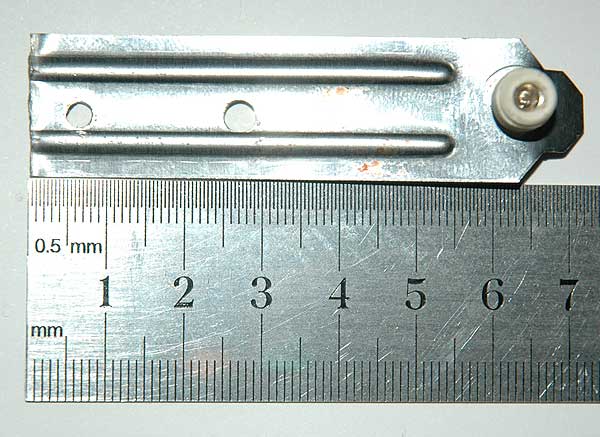
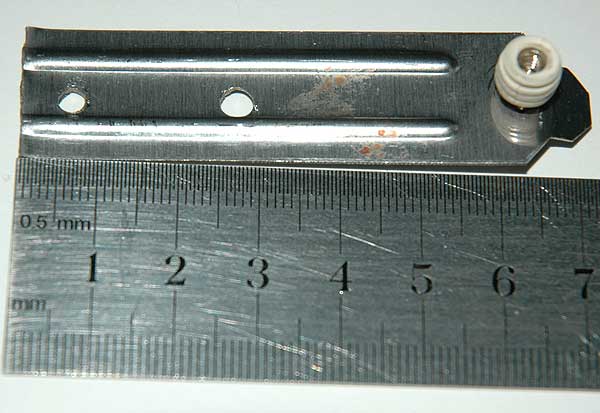
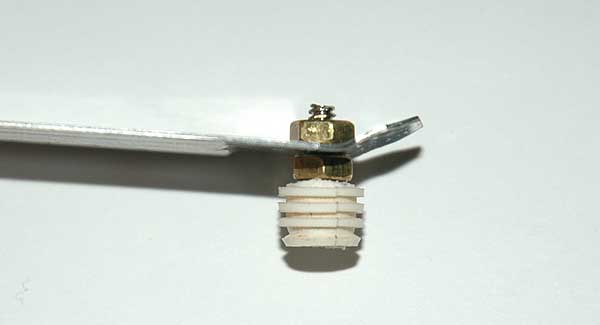
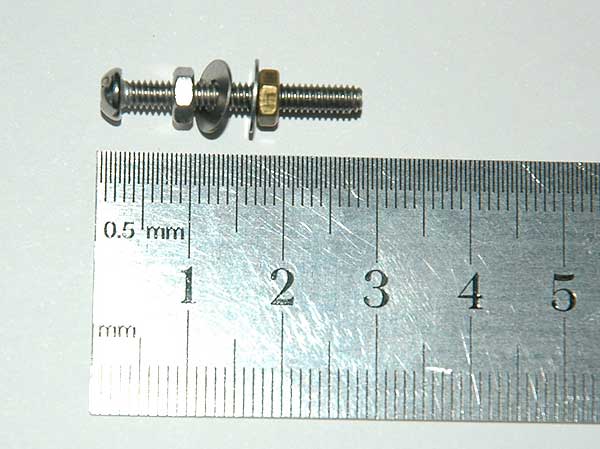
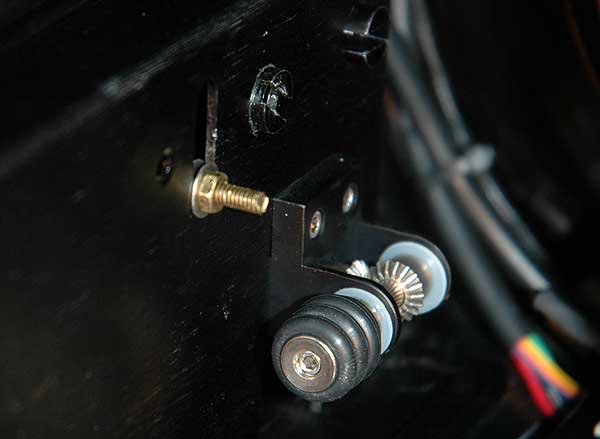
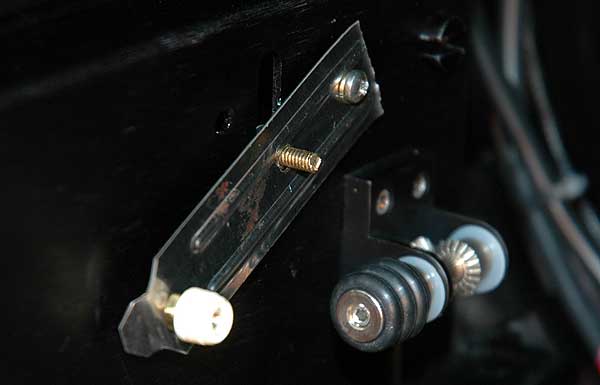
1 Take the ND bracket out.
2 Put in the little bolt that the bracket will slide in and out in on and this same bolt keeps it lined up. It goes in the big slot that the silver pin on the ND bracket use to move up and down in. The bolt has a couple of washers and nuts on it. Make sure you don't drop it inside the plate that you are putting in on. It needs to be sitting at the bottom of the gap. Just kind of angle the washers in and then slide it to the bottom of the gap then tighten it up. It's abit fidly. You have to make sure that not to much of the bolt is hanging out or it might touch the camera. Either move the nuts along abit or trim the bolt. Put the head of the bolt into the hole.
3 Put the bracket in, placing it so the little guide bolt is in the middle hole of the bracket.
4 Put the bolt back in that held the db bracket but now it will hold the new bracket. You can screw the ND knob to tighten the screw abit.
You need a small phillips and pliers to do up the little bolts/nuts and screws.
Put the camera in making sure it does not touch anything and the see it the bracket lines up okay and hits the button on the camera. You my have to bend it abit to get it perfect line up.
If you are happy with it then turn the camera on and see if it WB. Has to be on A or B manual mode.
Once out in the field, if you ever use the EWB still, you will have to shut the camera down and reboot it to use the MWB as the EWB stops the MWB working for some reason... Good Luck.
Please if you do this you are doing it at your own risk.
Wags
[email protected]